
Light Green Cursor

Cursors in the pack
Description
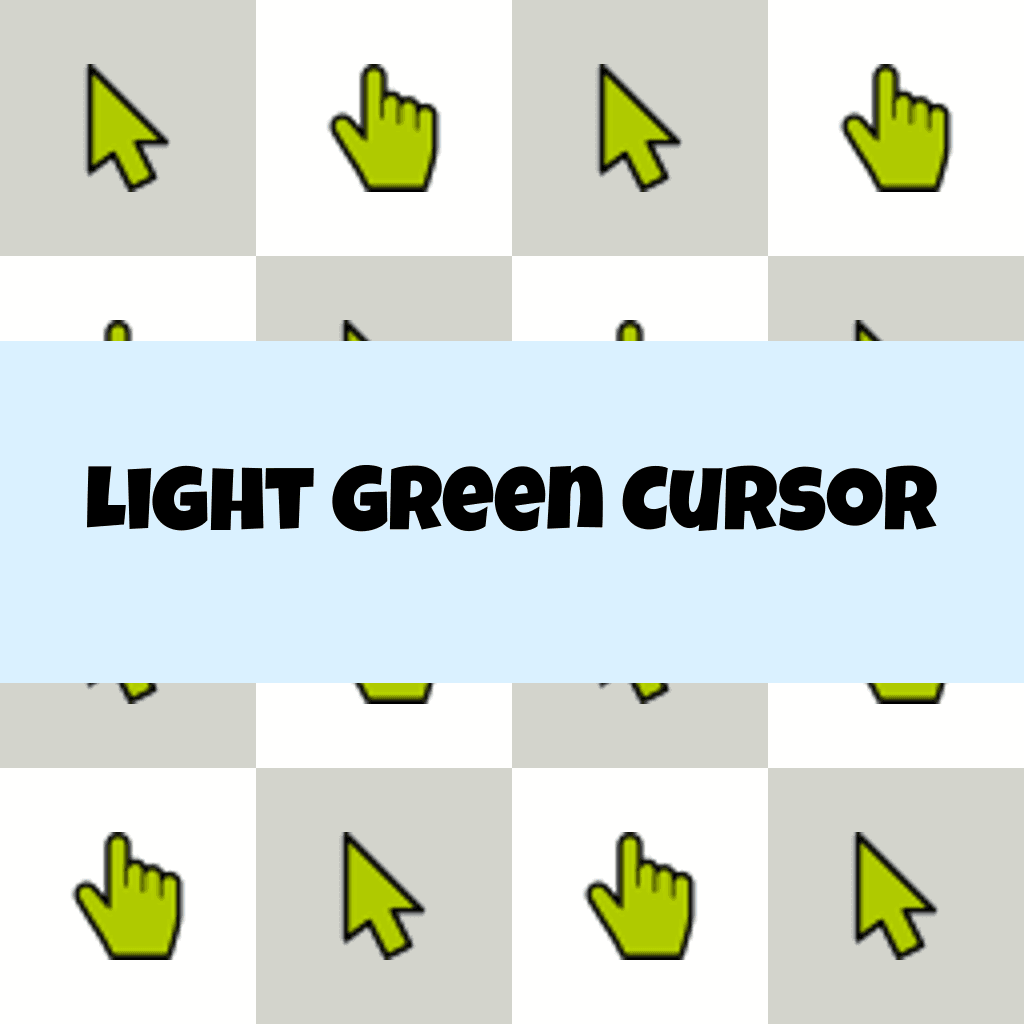
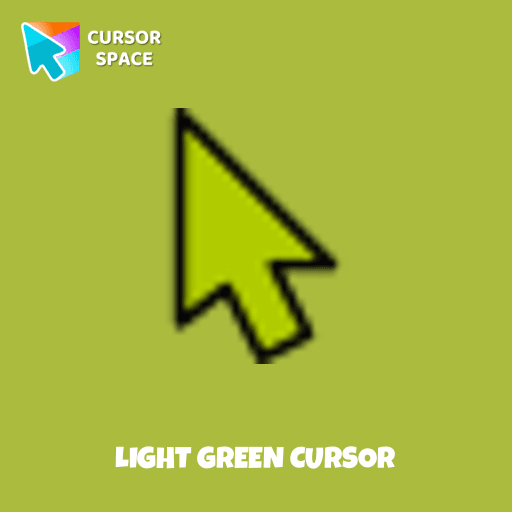
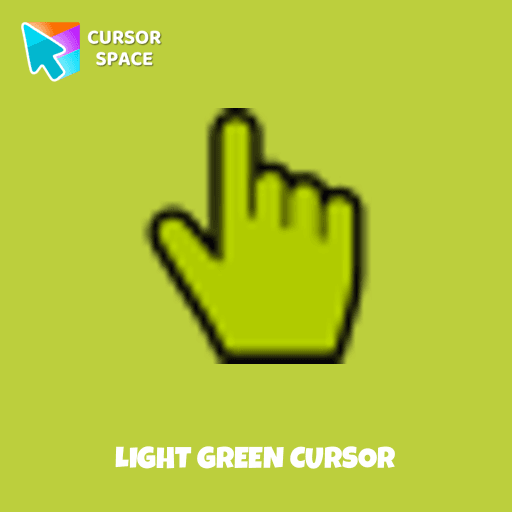
A salad cursor is a computer cursor that is displayed on the screen in a familiar green color, resembling a shade of lettuce. There are many options for cursors that will be used to show the position of the pointing device (mouse) on the monitor screen. A green cursor can be set for muted or colored dyes for greater visibility and differentiation from standard cursors.
Such a choice of a cursor can include individual desktop customization and improved manual computer use.
What's included in the package
- Default Cursor
- Pointer (Hand)
How to install a custom cursor pack Light Green Cursor
Install the Cursor Space extension for Chrome or Cursor Space for Edge in your browser.
On this page, click "Add this cursor pack to the extension".
Open the extension and go to the Packs tab.
Find the custom cursor pack "Light Green Cursor" and click it.
Enjoy!
Ready to install?
Get this cursor pack and thousands of others by installing our extension. It's fast and free!
About this cursor pack
Light Green Cursor is a themed cursor pack you can add to your browser to personalize your pointer across common cursor states (default and pointer). Use it for everyday browsing, streaming, studying, or gaming-anywhere you want your cursor to match your vibe.
Instant preview
See how the cursors look before installing.
Easy install
Add the pack to the extension in a few clicks.
Works in your browser
Designed for Chrome and Edge via the extension.
FAQ
Quick answers to common questions about cursor packs, collections, and installation.
Do I need an extension?
Which browsers are supported?
How do I switch back to the default cursor?
Popular cursors today
Custom cursor and packs - neon, anime, pixel art. Quickly add to Chrome and Microsoft Edge for free
- TOP 1
The Mole cursor
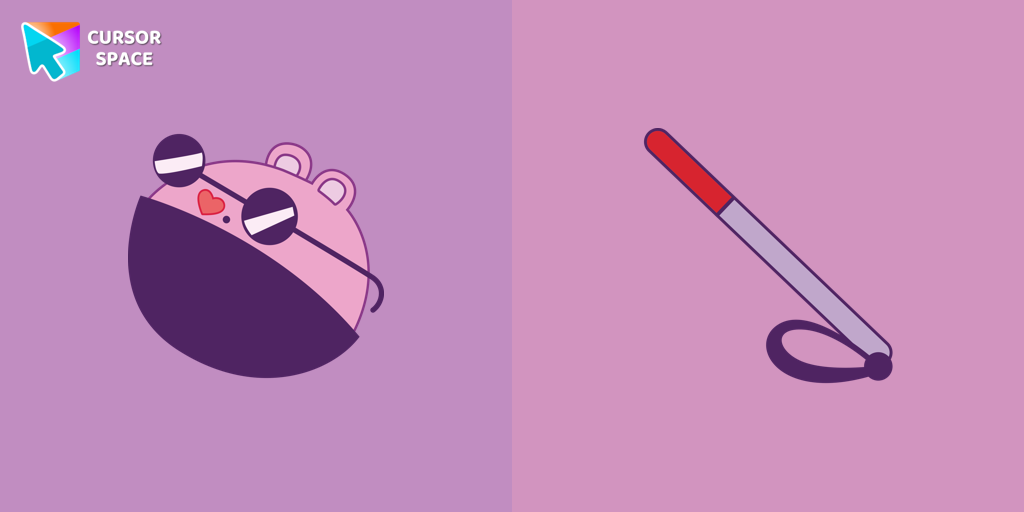
(75)FreeThe Mole custom cursor for Google Chrome adds a fun and quirky touch to your browsing. Inspired by a small mole, it brings a playful alternative to the default cursor.
- TOP 2
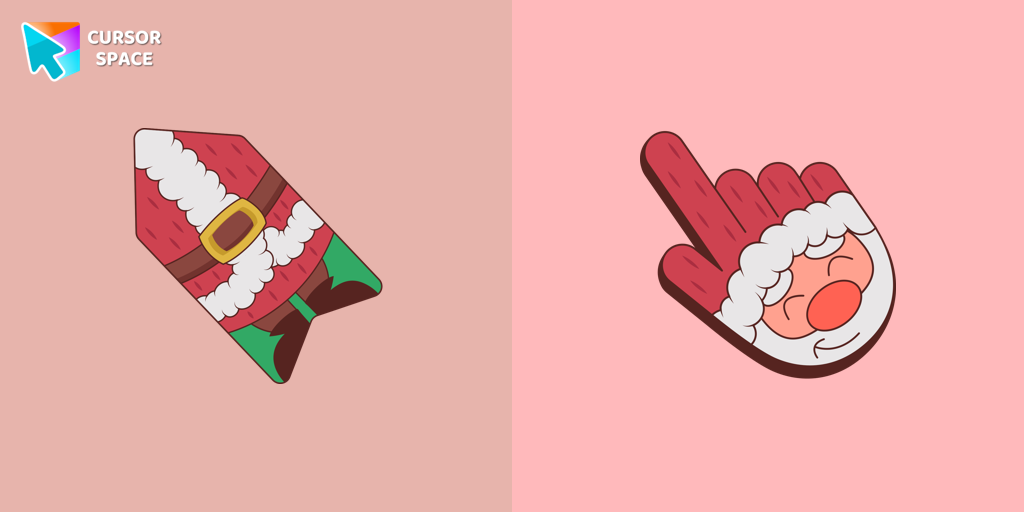
Santa cursor
(41)FreeThis unique Santa Claus cursor is part of an exclusive collection of festive Merry Christmas and Happy New Year cursors for the Chrome browser.
- TOP 3

Rumor Honeybottoms cursor
(74)FreeTransform your browsing with the Rumor Honeybottoms custom cursor for Google Chrome. This unique cursor brings the iconic Cuphead boss to life on your screen.
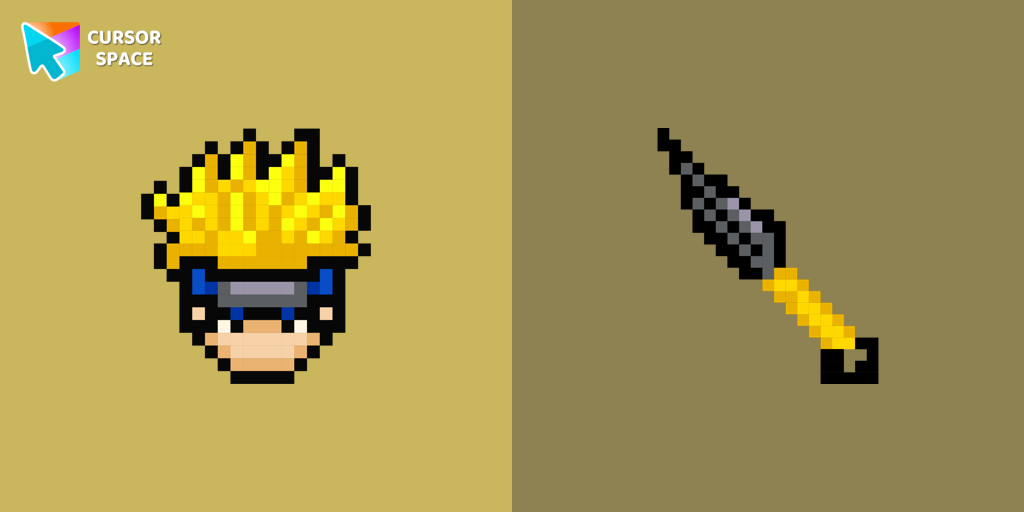
Naruto Pixel cursor
(84)FreeCute Naruto cursor and pointer in our adorable custom cursors collection with Cute Pixel.

Mr. Chimes cursor
(78)FreeMr. Chimes Cursor is a custom cursor for Google Chrome that adds a creepy yet whimsical monkey trail to your mouse, personalizing your browsing experience.
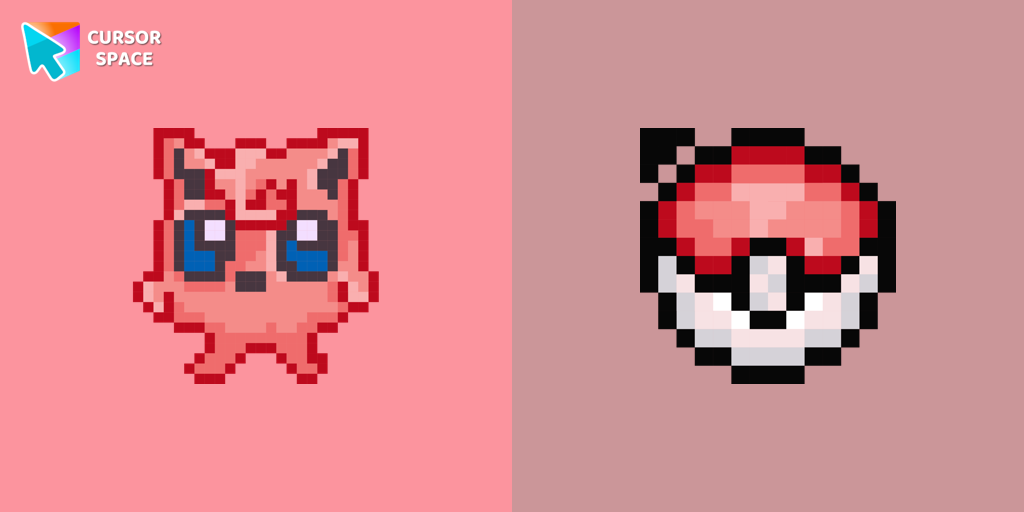
Jigglypuff Pixel cursor
(92)FreeThe custom cursor for mouse and pointer Jigglypuff Pixel from our Cute Pixel custom cursors collection for Chrome.

Ghost Pixel cursor
(92)FreeAdd Ghost Pixel cursor in the Cute Pixel collection of custom cursors for the browser.

Yellow cursor
(56)FreeTransform your screen with a lively yellow custom cursor from Custom Cursor Space. Click and scroll with flair, adding a touch of personality to your display!
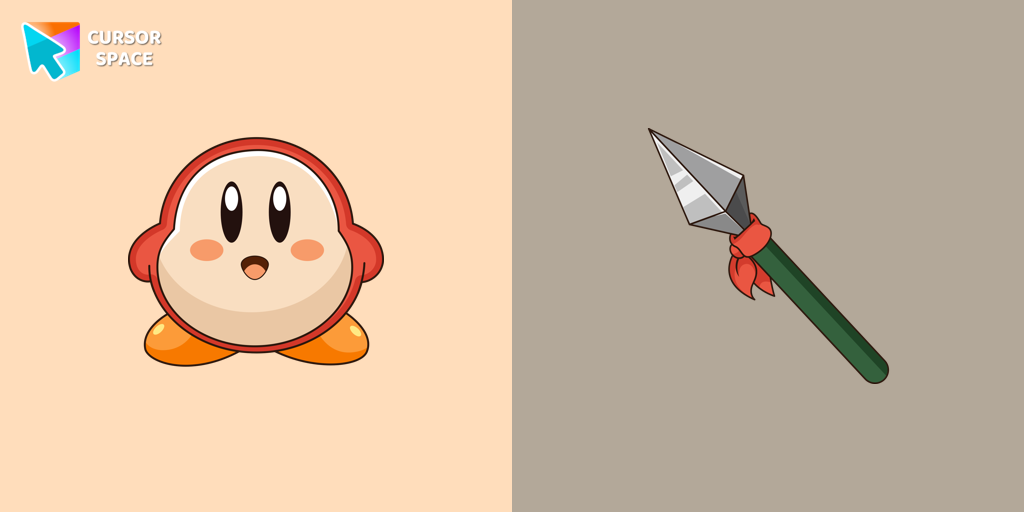
Waddle Dee cursor
(228)FreeIntroducing the Waddle Dee custom cursor from our Games collection of cute cursors.
The Wasp cursor
(75)FreeTransform your browsing experience with The Wasp custom cursor for Google Chrome. Navigate with agility like the superhero herself from the Marvel Comics collection.

Super Trendy cursor
(25)FreeImprove your digital look with the Super Trendy custom cursor - it has a modern design, bright colors, and elegant style for a striking browsing experience!

Skeleton cursor
(163)FreeElevate your Chrome experience with The Skeleton custom cursor—its spooky, standout design transforms your browsing and turns heads instantly!
Collection hits
Installation leaders from "Colorful Custom Cursors": free packs, neon/anime/pixel art, quick add to Chrome and Edge.
- TOP 1

Mint Cursor
(157)FreeEnhance your browsing experience with the Custom Mint Cursor, a calming personalized cursor symbolizing harmony, renewal, and inner balance.
- TOP 2
Santa Claus Minecraft Skin cursor
(148)FreeImprove your browsing experience with this playful custom cursor that turns your pointer into a cheerful Santa Claus, adding a festive touch. Embrace the holiday spirit!
- TOP 3

Empty Butterfly Green
(146)FreeEnhance your desktop with the "Empty Butterfly Green" custom cursor set. Experience vibrant butterfly designs that bring a unique flair to your screen.

Purple cursor
(131)FreeElevate your browsing experience with a purple custom cursor, infusing your screen with a sense of mystery, creativity, and uniqueness.

Orange cursor
(131)FreeIlluminate your screen with a vibrant, energetic custom cursor in orange. Boost creativity, capture attention, and enhance your browsing experience!

Comic cursor
(130)FreeImmerse yourself in the dynamic realm of comics with our animated comic custom cursor, which brings visual storytelling to your screen and enriches your browsing experience with every move!

Blue Black Cursor
(126)FreeReplaces default cursor with Blue Cursor cute. Change the usual mouse to an amazing cute Blue Cursor cursors or download cursor

The Purple Cursor
(119)FreeEnhance your Chrome browsing with Custom Cursor Space, a sleek purple cursor crafted to complement your style and elevate your online experience.

Green Cursor
(114)FreeUpgrade your workspace with the Custom Green Minimal Cursor, a simple yet striking design symbolizing harmony, freshness, and positivity.

Burgundy cursor
(107)FreeUpgrade your computer's interface with a stylish burgundy custom cursor, adding elegance, sophistication, and a personal touch to your browsing experience.
Ningguang Cursor
(101)FreeEnhance your pointer with the Ningguang custom cursor. This captivating gem elevates your browsing experience with elegance, making every click a masterpiece!

Black cursor
(78)FreeReplace the standard cursor with an adorable Black one. Transform the ordinary mouse into a stunningly adorable Black cursor or download a cursor of your choice.
Install Cursor Space - A Collection of Custom Cursors for Chrome & Edge
Add packs instantly and unlock access to thousands of cursors: neon, anime, pixel-art, and more. Fast, safe, and free.
- Free cursor packs
- HD/HiDPI & animated icons
- Quick browser installation
Cursor Space is an extension for changing your mouse cursor in Chrome and Edge browsers: themed collections, HiDPI icons, neon, animated, and pixel cursors, with quick installation.